



















YOUR STUDENT LIFE, ORGANISED
A clearer plan.
A calmer mind.
More room to learn.
Bring your classes, assignments, notes and revision together. ClassPilot helps you see what’s next—and make a plan to get there.
For school and university · Works in your browser
YOUR NEXT CHAPTERClassPilot
LET’S MAKE TODAY COUNT
✓Your day, at a glance.
03Classes today
02Assignments due
50minFocus time
09:00
MathematicsLecture · Room B12
CLASS14:00
One chapter at a timeBiology · Revision session
STUDY◷
Essay outlineA little progress goes a long way.
DUE SOONAssignment progress60%
Illustrative preview · Your own subjects, your own schedule.
See ClassPilot in action
Follow a sample student from the daily overview to a revision plan.
Read the video transcript
Welcome to ClassPilot. Start with the overview to see today’s classes and the assignments that need your attention.
Open Timetable to see your week. Move between dates and open an event to check its details.
In Assignments, search by title or filter by subject. Open an assignment to see its deadline, progress, and linked work.
When an exam is coming up, choose it in Revision Planner and enter the hours you can study. Preview how the chapters fit into your schedule. Select Demo on the homepage to try it yourself.
Explore every planner screen
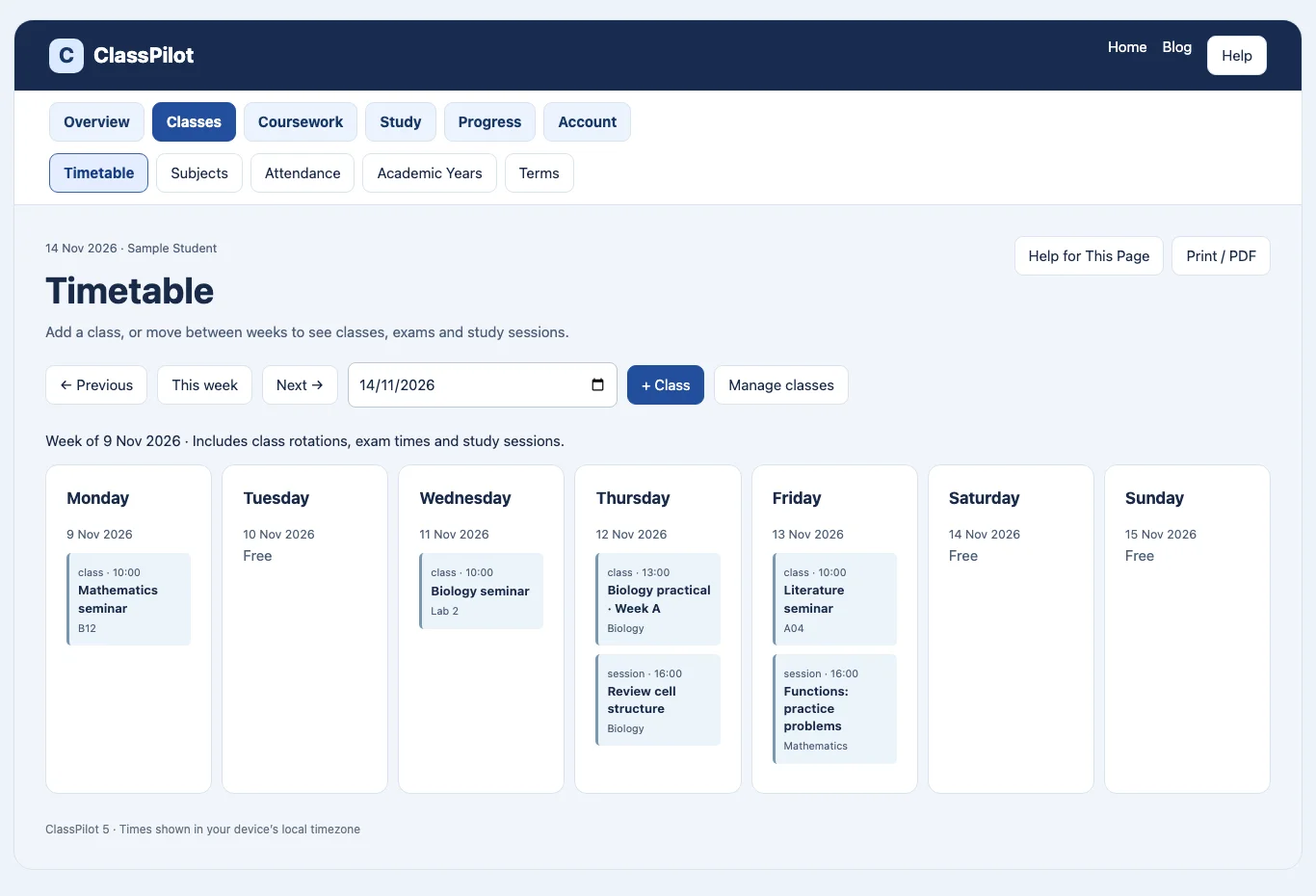
Timetable
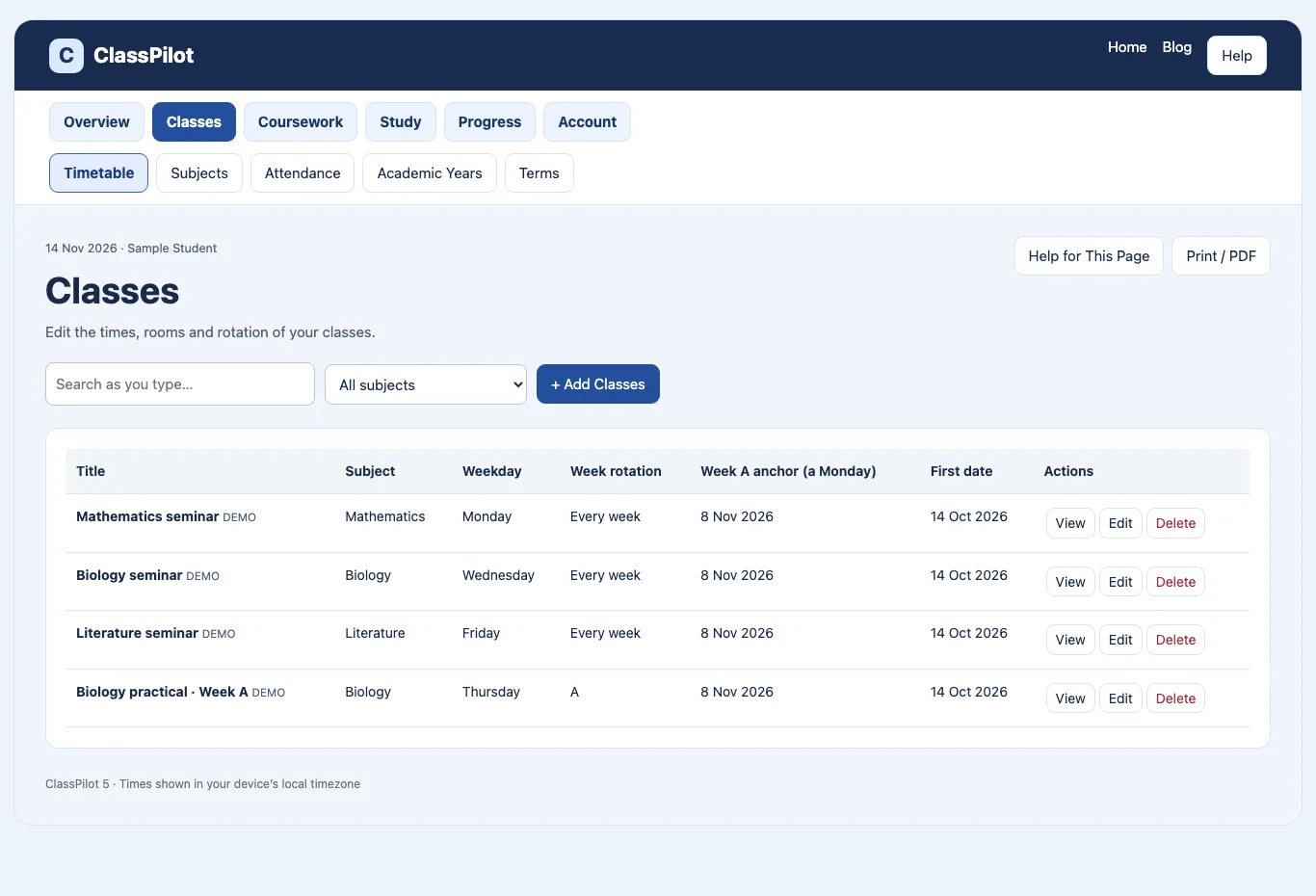
Manage Classes

Academic Years
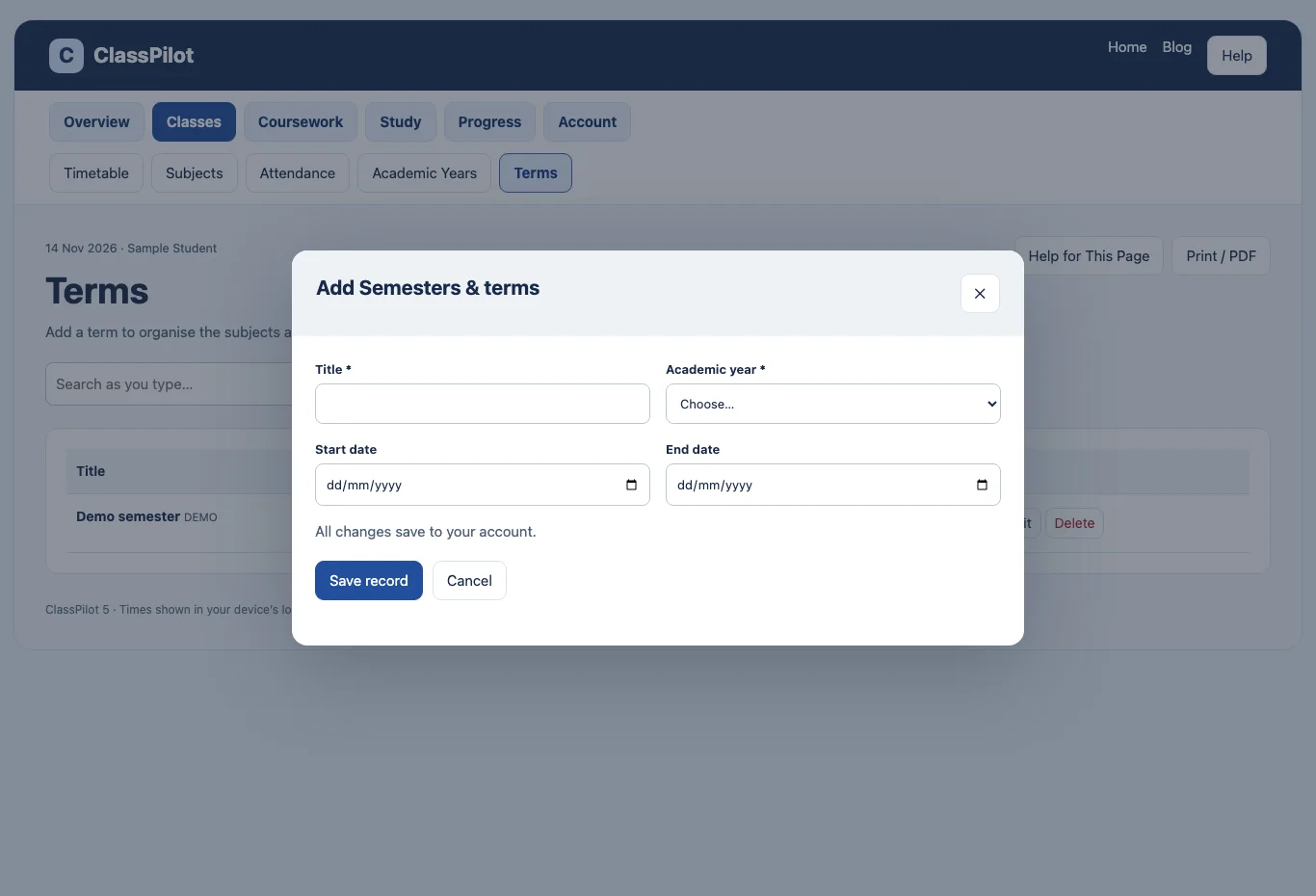
Terms

Subjects

Attendance
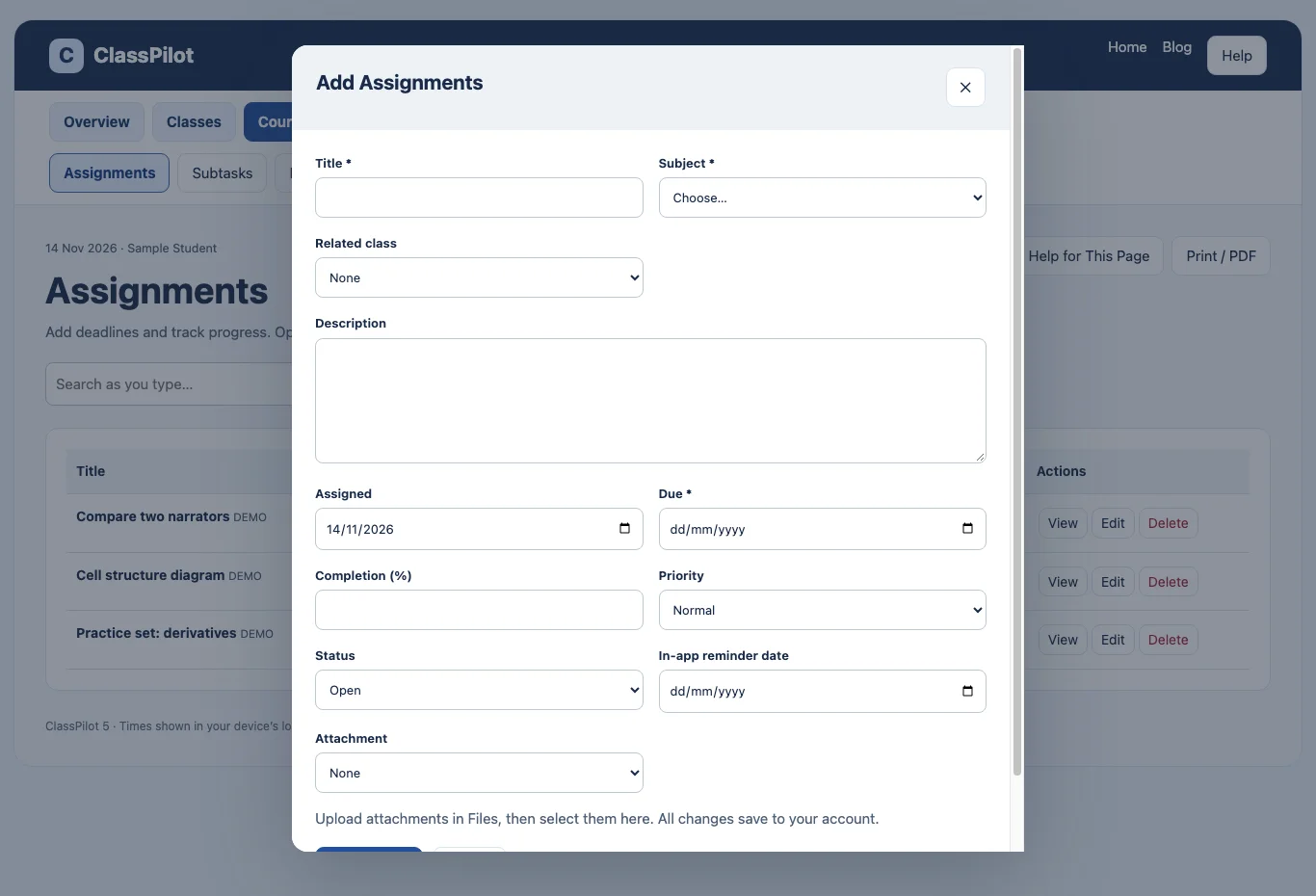
Assignments
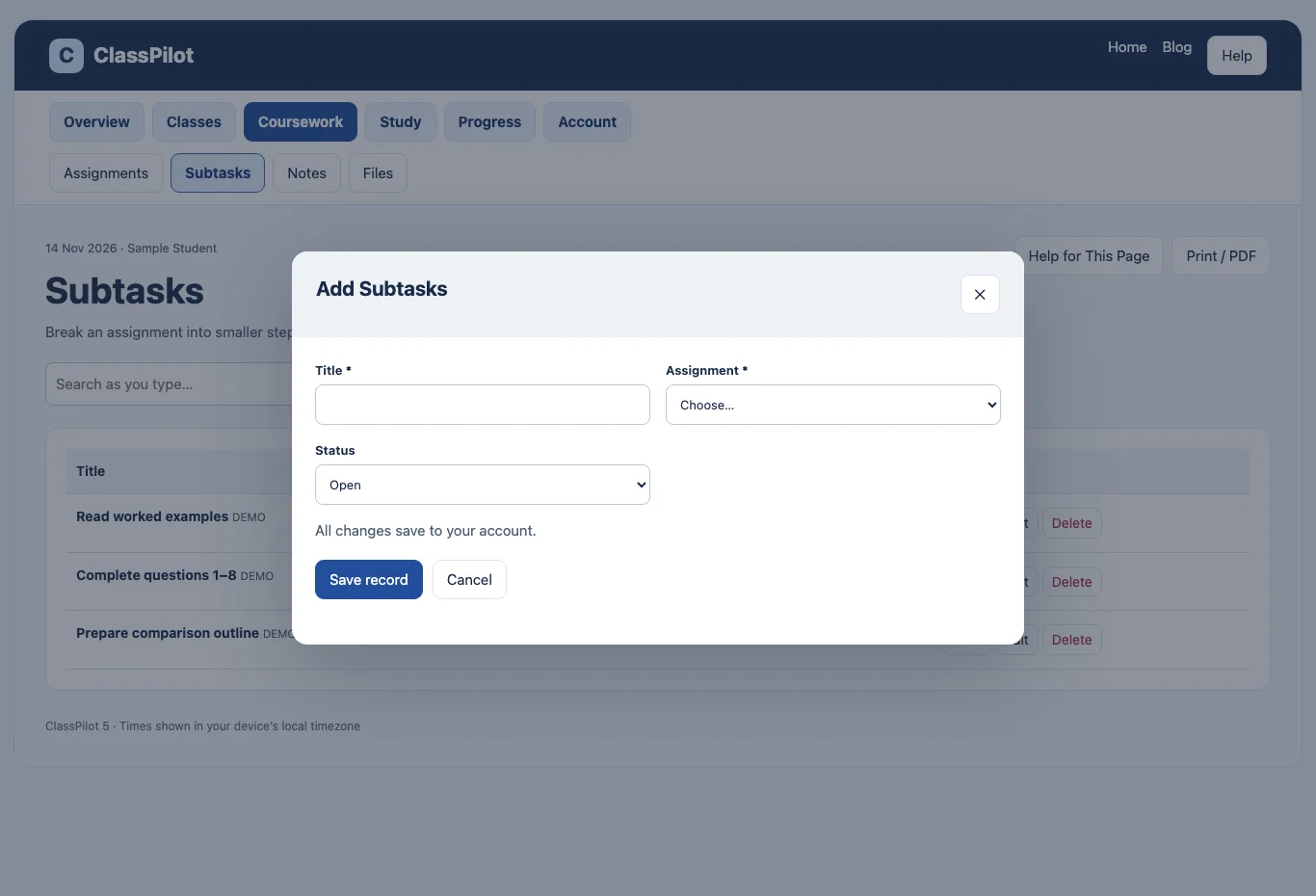
Subtasks
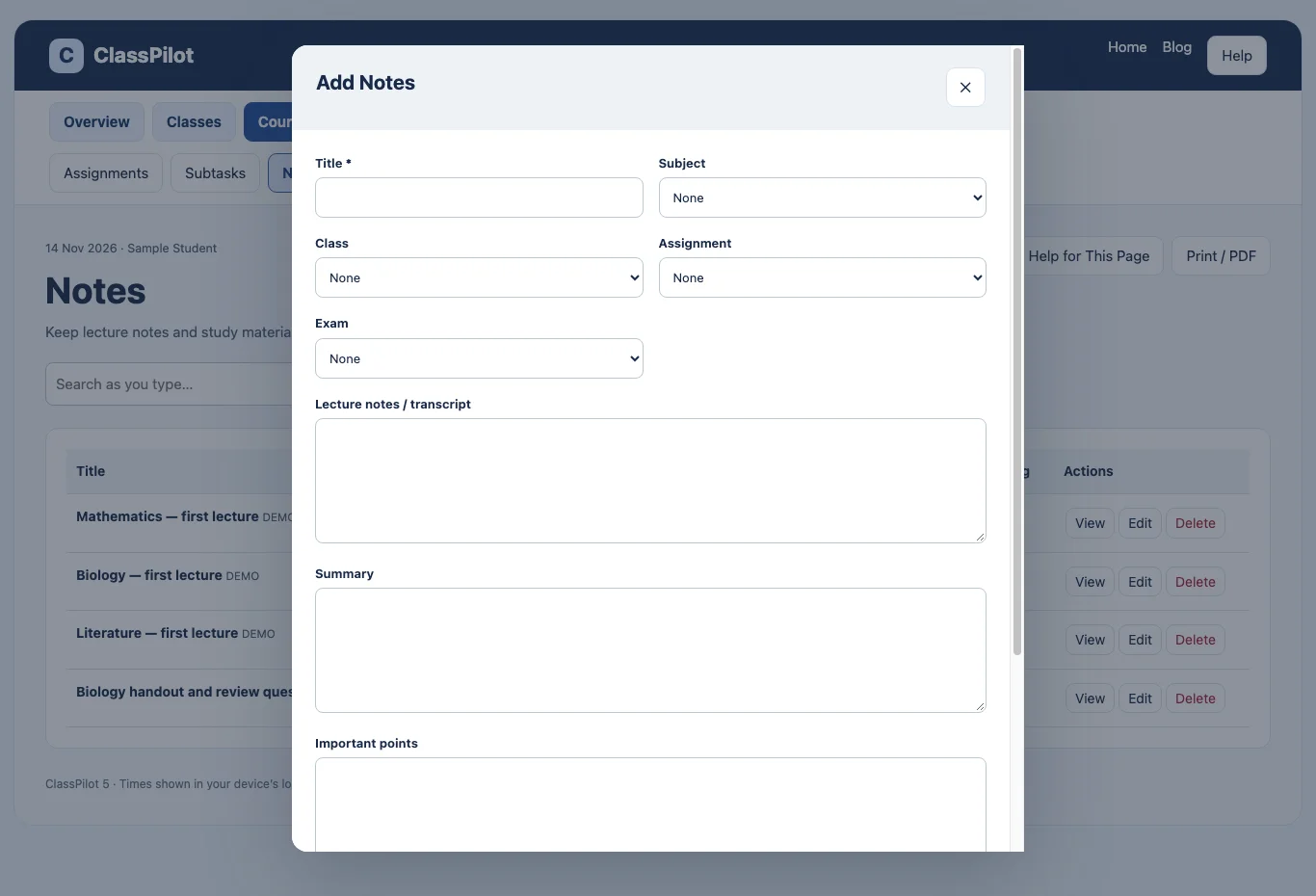
Notes
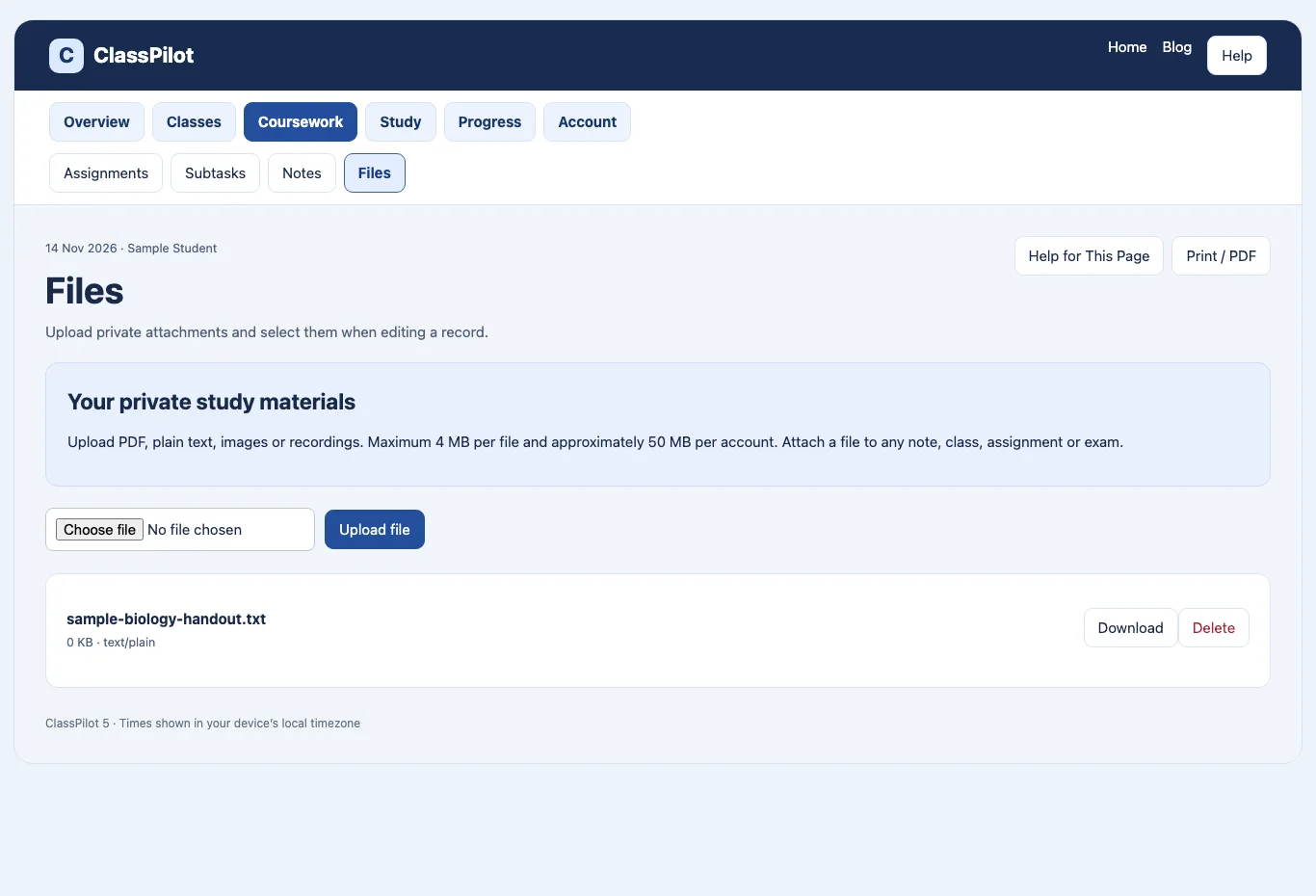
Files

Exams
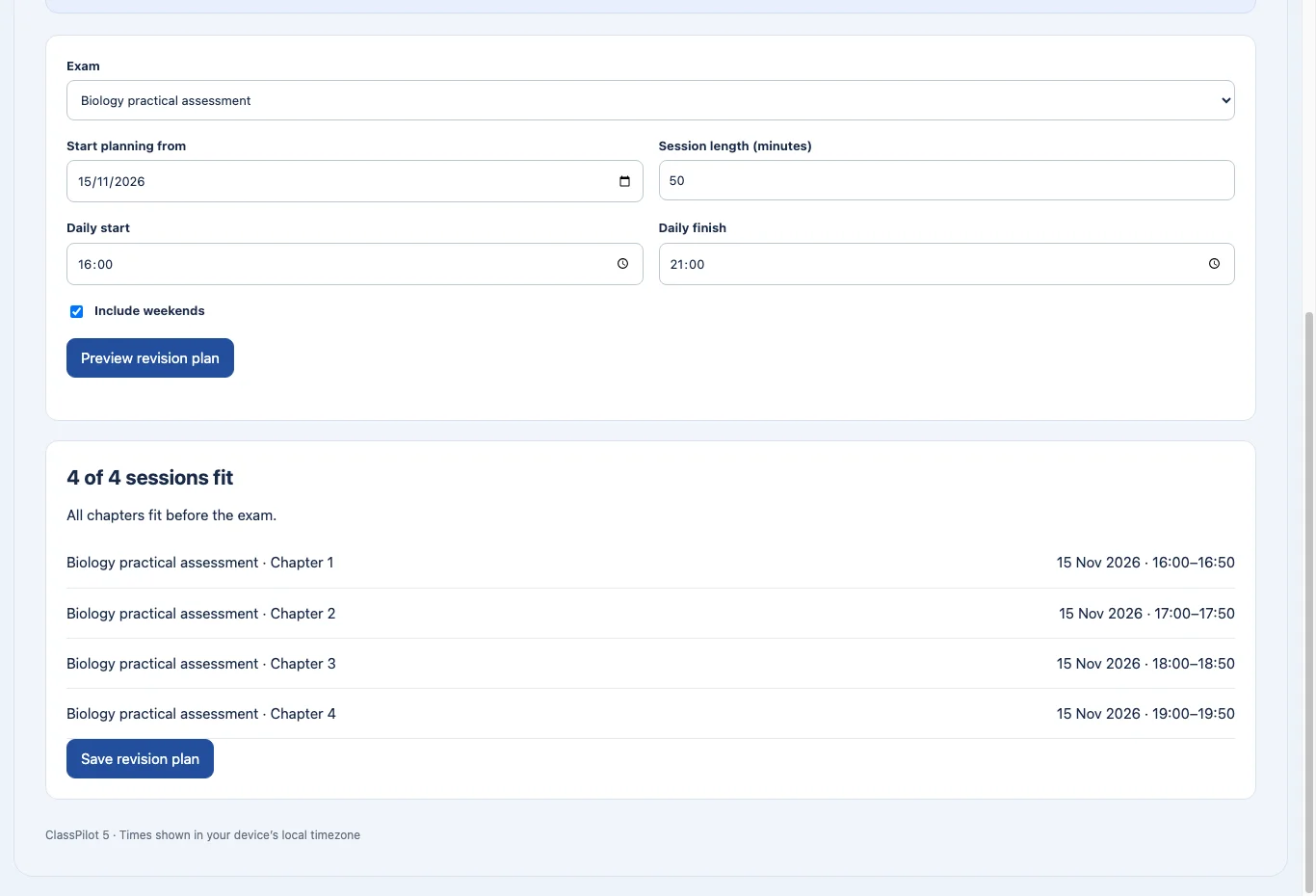
Revision Planner
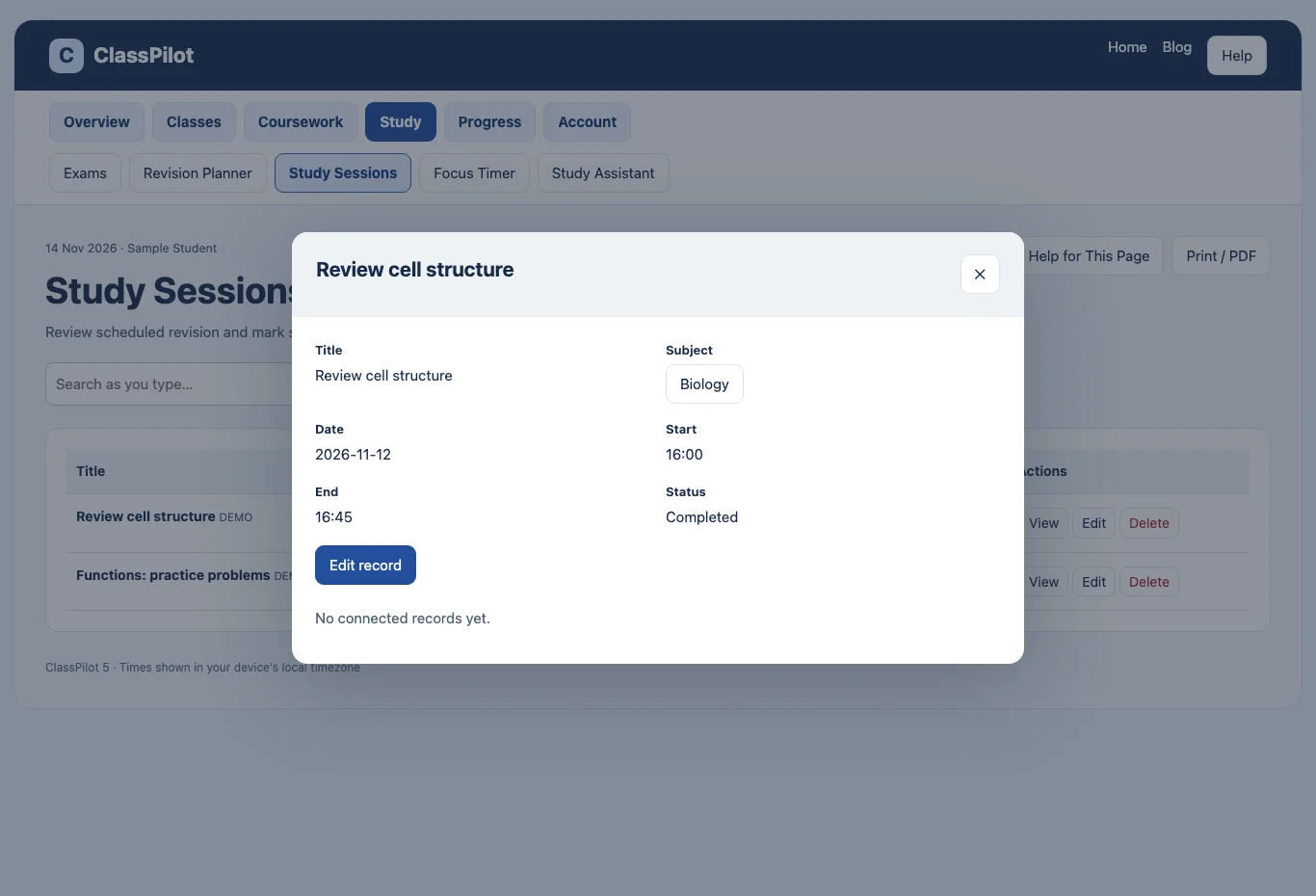
Study Sessions
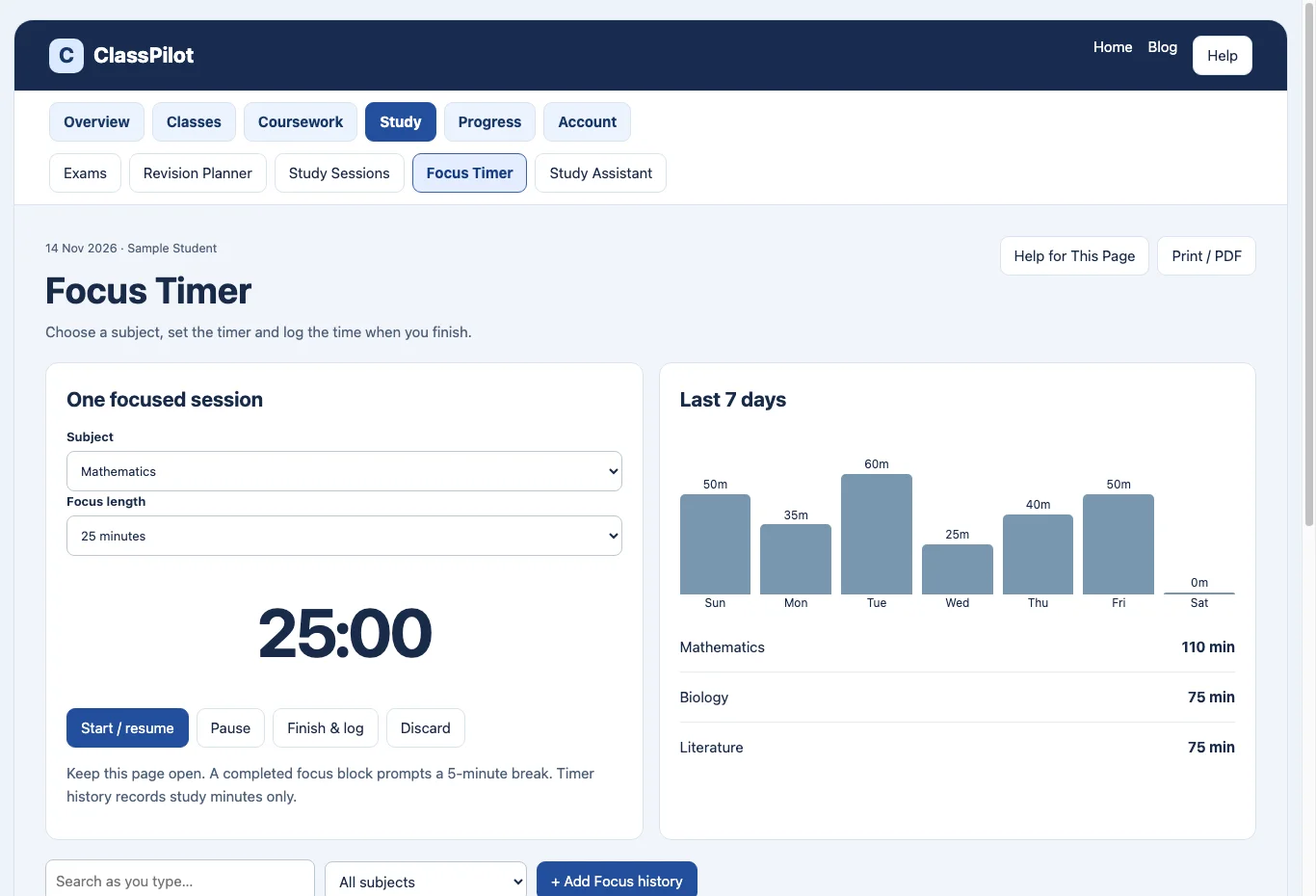
Focus Timer

Study Assistant
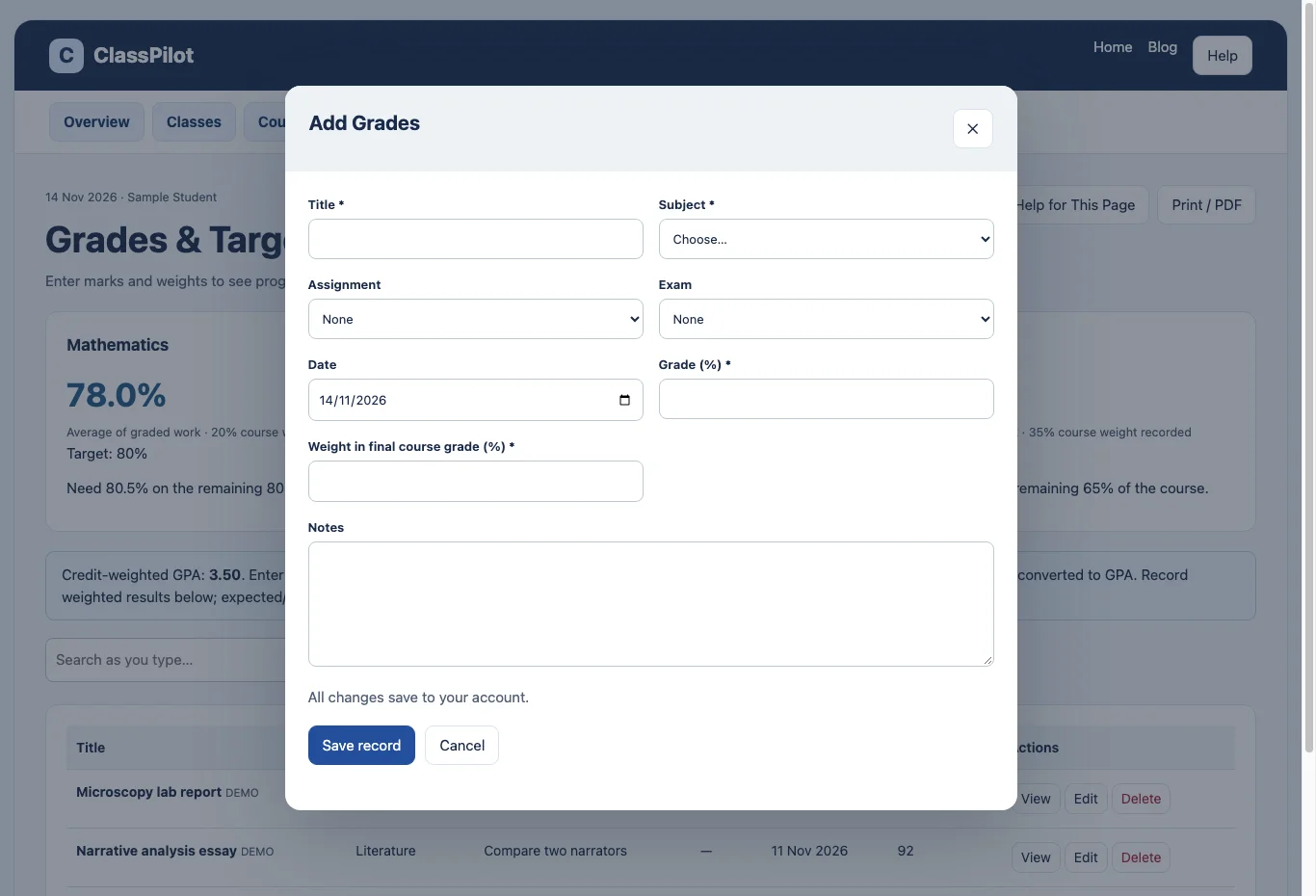
Grades & Targets

Family
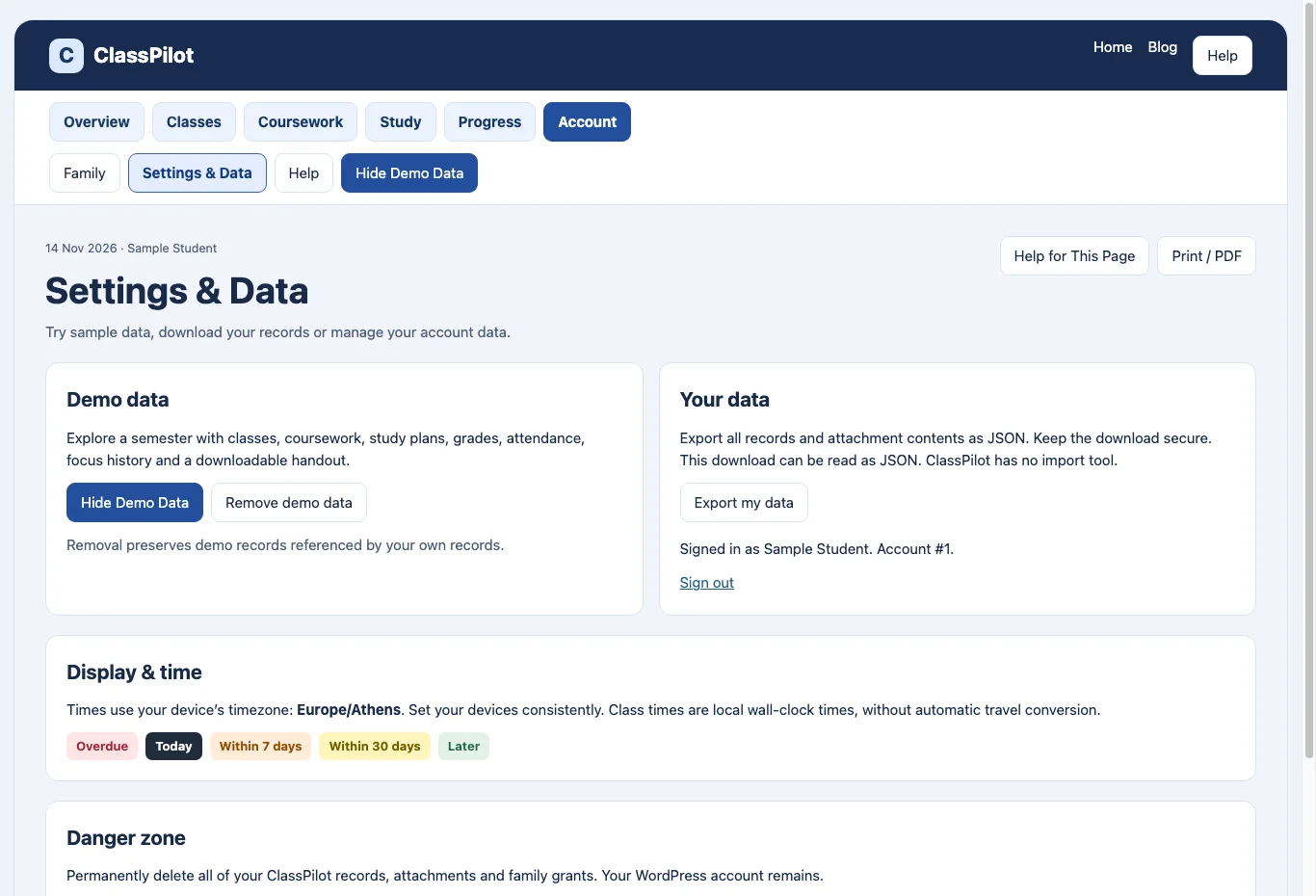
Settings & Data
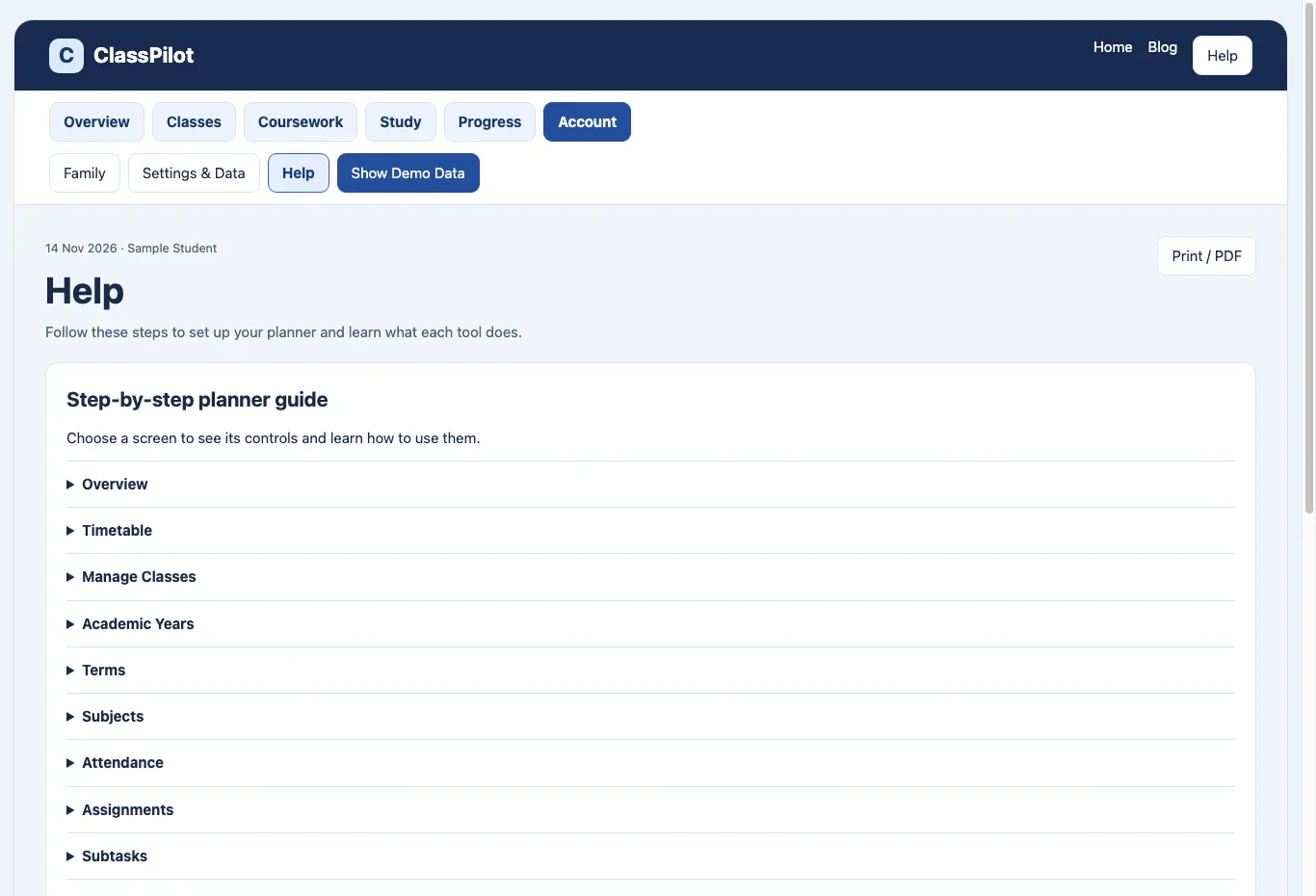
Help
ClassPilot subscription
€9.99 per month plus applicable tax. Organise your classes, assignments and revision in one private workspace.
SubscribeONE CONNECTED STUDENT PLANNER
Class → Notes → Assignment → Exam → Revision → Result
LESS SCATTERED. MORE FOCUSED.
Everything you need
to see the bigger picture.
Keep the details together, so you can give your attention to the work in front of you.
A timetable that fits your term
Plan weekly or alternating A/B classes. Keep teachers, rooms, online links and attendance connected to your subjects.
Deadlines you can see coming
Track assignments, priorities, subtasks and completion. See upcoming exams and overdue work in your daily overview.
Revision with a place in your day
Turn chapters into study sessions around existing classes. Preview the plan and see when there is not enough time before an exam.
Notes that stay with the subject
Keep lecture notes, summaries, important points, and web links connected to classes and exams.
Progress with a purpose
Record assessment grades, set course targets and calculate the marks needed on remaining work. Review your saved study time.
Support on your terms
Give a family account read-only access to deadlines and study sessions. Keep your notes, files and grades private, and revoke access when you choose.
FROM “WHERE DO I START?” TO “WHAT’S NEXT?”
Big exam.
Smaller, clearer steps.
Add the exam date, chapters and difficulty. ClassPilot finds room for revision around your classes and existing study sessions.
Review the proposed sessions before saving. When the schedule is too tight, you see the shortfall instead of an unrealistic plan.
Give your revision a plan ↗EXAMPLE STUDY PLAN
Mathematics midterm
14 chapters · High difficulty
01
Learn the chapterRead, understand, make notes.
02
Come back to itRecall the key ideas and practise.
03
Keep moving forwardMark sessions complete as you go.
MAKE IT YOURS
Your semester starts here.
Set your foundation
Add your academic year, term, subjects and weekly classes.
Bring the work together
Connect assignments, notes, files and exams to the right subjects.
Take the next step
Plan revision, start a focus session and record your progress.
FROM THE BLOG
Fresh perspectives for student life.
Hello world!
Welcome to WordPress. This is your first post. Edit or delete it, then start writing!
Read articleA FEW THINGS TO KNOW
Simple questions.
Clear answers.
Is ClassPilot for school or university?
Both. Organise academic years, terms and subjects, then add the classes and assessments that belong to them.
Can I use it on my phone?
Yes, through a browser. The interface adapts to smaller screens. A separate native mobile app is not included.
Can I try the layout with example data?
Once signed in, open Settings & data and load demo data. You can remove the demo records when you are ready to add your own.
Does my family see everything?
No. You choose an existing account to see your deadlines and study sessions. Notes, private files and grades are not included in that shared view.
How do reminders work?
Upcoming work and due reminders appear inside your overview. Email and push notifications are not included in this version.
How do I get an account?
Open ClassPilot to sign in. If this website has registration enabled, you can create an account from the sign-in page. Otherwise, the site owner provides access.
MAKE ROOM TO LEARN
Your next semester.
A little more organised.
One place for the plan. More attention for the learning.
Open ClassPilot ↗